![New RABco Logo2.png]](https://university.rabcopayroll.com/hs-fs/hubfs/All%20MEDIA-%20Videos%20and%20Images/Logo%20and%20Images/New%20Logo%202021/New%20RABco%20Logo2.png?height=40&name=New%20RABco%20Logo2.png)
- Go to Hamburger Menu
 > Team
  > Recruitment > Candidates > Job Applications
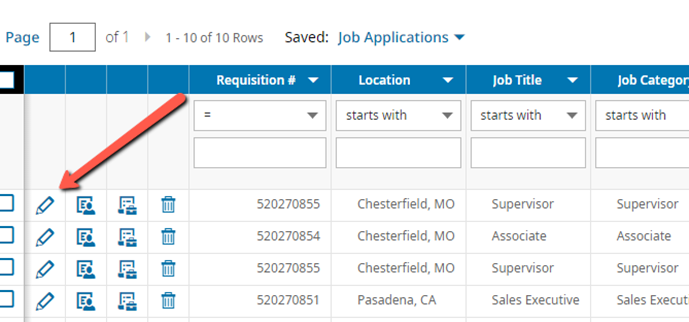
 - Click the View Job Application button
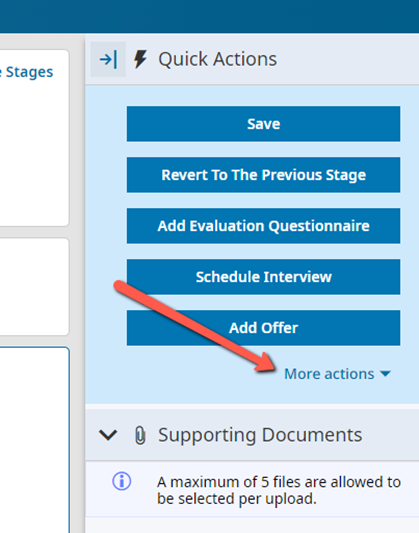
- Click More Actions
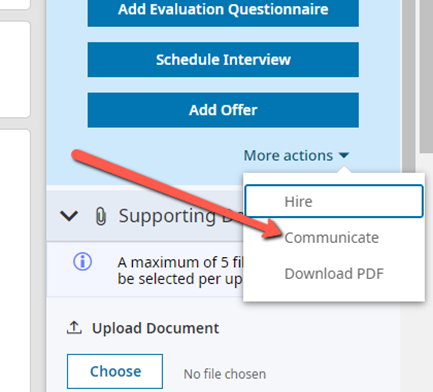
- Click Communicate
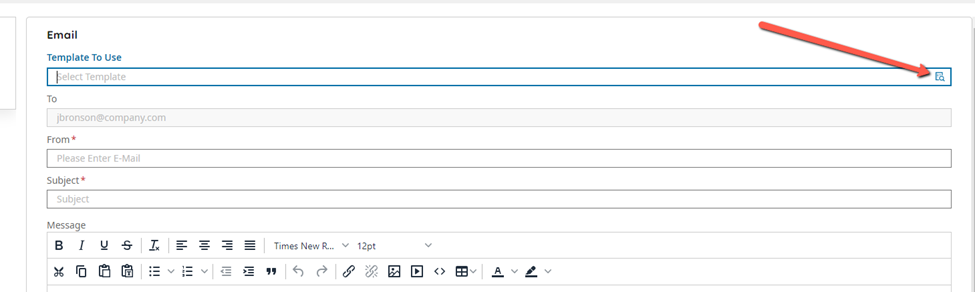
- Select the Interview Communication Template
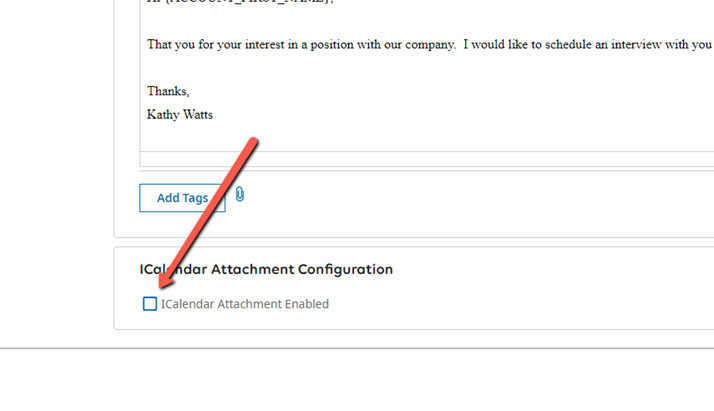
- Scroll down and Check ICalendar Attachment Enabled
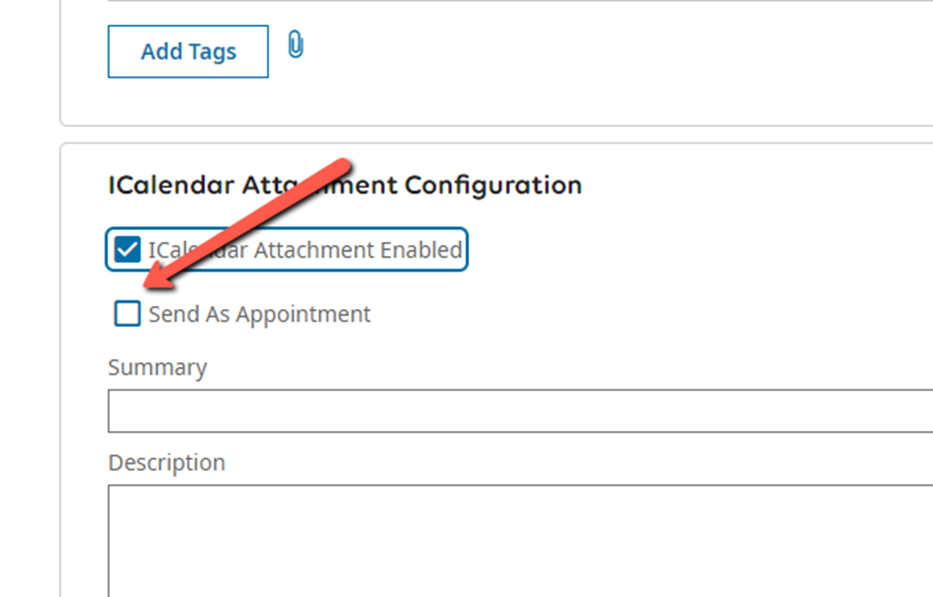
- Select Send as Appointment
- Select When
- This is the date the interview will occur
- Select From
- This is the time the interview will start
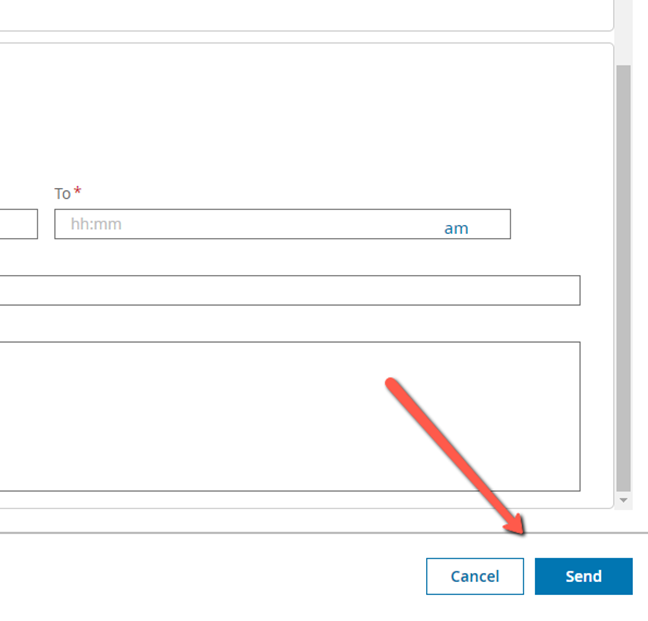
- Select To
- This is the time the interview will end

- You can enter a summary
- You can enter a description
- If a virtual meeting you can paste the meeting info here
- Click Send